Turn your PlusGST entries into GST report files.
The invoices, purchases and credit notes you have already entered are what your GSTR-1 and GSTR-3B are built from. Nothing is keyed in a second time.
PlusGST prepares the export files. You or your CA upload them.It does not file returns, and it does not connect to the GST portal.
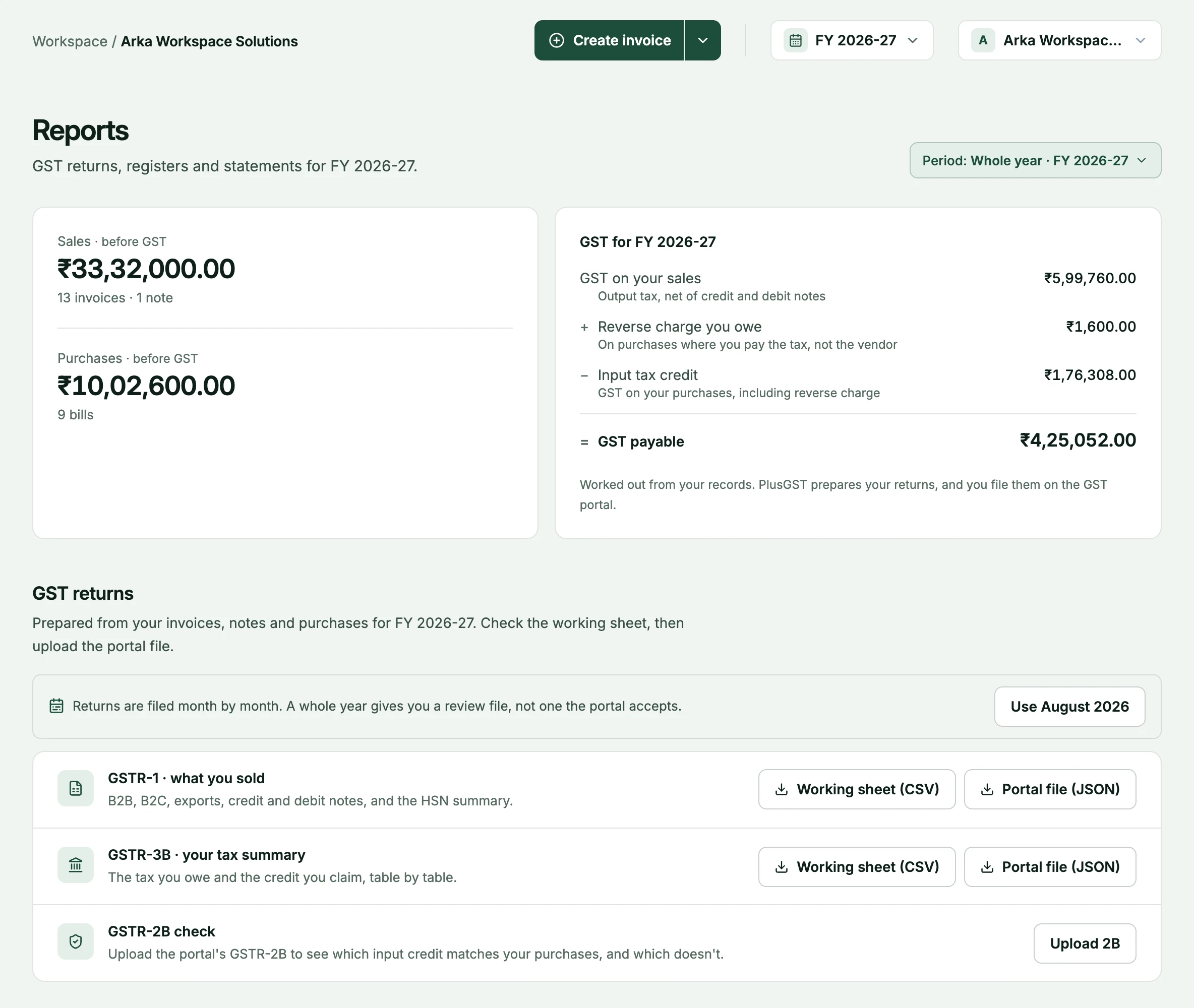
From your entries to a return file.
Four steps, and only the third one happens on this page.
- 1
Work as usual
Raise invoices, record purchase bills, issue credit and debit notes. There is no separate GST entry.
- 2
Pick the period
Choose the month on the reports page. The figures and every download follow it.
- 3
Download the files
GSTR-1 and GSTR-3B, each as a CSV to read and as JSON for the GST offline tool.
- 4
You or your CA upload
Review the files, then upload them to the GST portal yourselves. PlusGST never signs in to it.
Two returns, two formats each.
Both formats are rendered from one calculation, so the sheet your CA checks and the file that gets uploaded cannot disagree.
- GSTR-1: what you sold
- Outward supplies by type: B2B, B2C large and small, exports, credit and debit notes, and the HSN summary.
- GSTR-3B: what you owe
- Tax payable and input tax credit, laid out by the return’s own tables.
- CSV to review, JSON to upload
- The CSV is a working sheet to read and reconcile. The JSON is the format the GST offline tool imports.
Which entry lands where.
Each kind of entry has a fixed place in the two returns. This is where PlusGST puts it, table by table.
| Entry | GSTR-1 table | GSTR-3B table |
|---|---|---|
| Invoice to a registered customer | 4A, B2B | 3.1(a) |
| Inter-state invoice to an unregistered customer, above the B2C large limit | 5, B2C large | 3.1(a) |
| Any other sale to an unregistered customer | 7, B2C small | 3.1(a) |
| Export invoice | 6A, exports | 3.1(b) |
| Credit or debit note | 9B, or the Table 7 summary for a small B2C sale | 3.1(a), less or more |
| Purchase bill | Not reported | 4(A)(5) |
| Reverse-charge purchase bill | Not reported | 3.1(d) and 4(A)(3) |
| Every invoice and note line | 12, HSN summary | Not reported |
Tables the files do not fill, such as nil-rated supplies, advances and documents issued, are completed on the portal. For a whole month worked through from entries to tax payable, with every table explained, read the GSTR-1 and GSTR-3B guide.
The awkward cases are already in.
Returns go wrong at the edges. These are handled where the entry is made, so they reach the files without a manual fix.
- Credit and debit notes
- A note adjusts the month it was raised in, and is reported for registered and unregistered recipients separately.
- Reverse charge, both sides
- A reverse-charge purchase is reported as tax you owe and as input credit, not just as the credit.
- Exports
- Export invoices carry no GST and are reported in their own section, at the rupee value recorded on the invoice.
- Figures that match the dashboard
- The GST position on your dashboard comes from the same calculation as GSTR-3B.
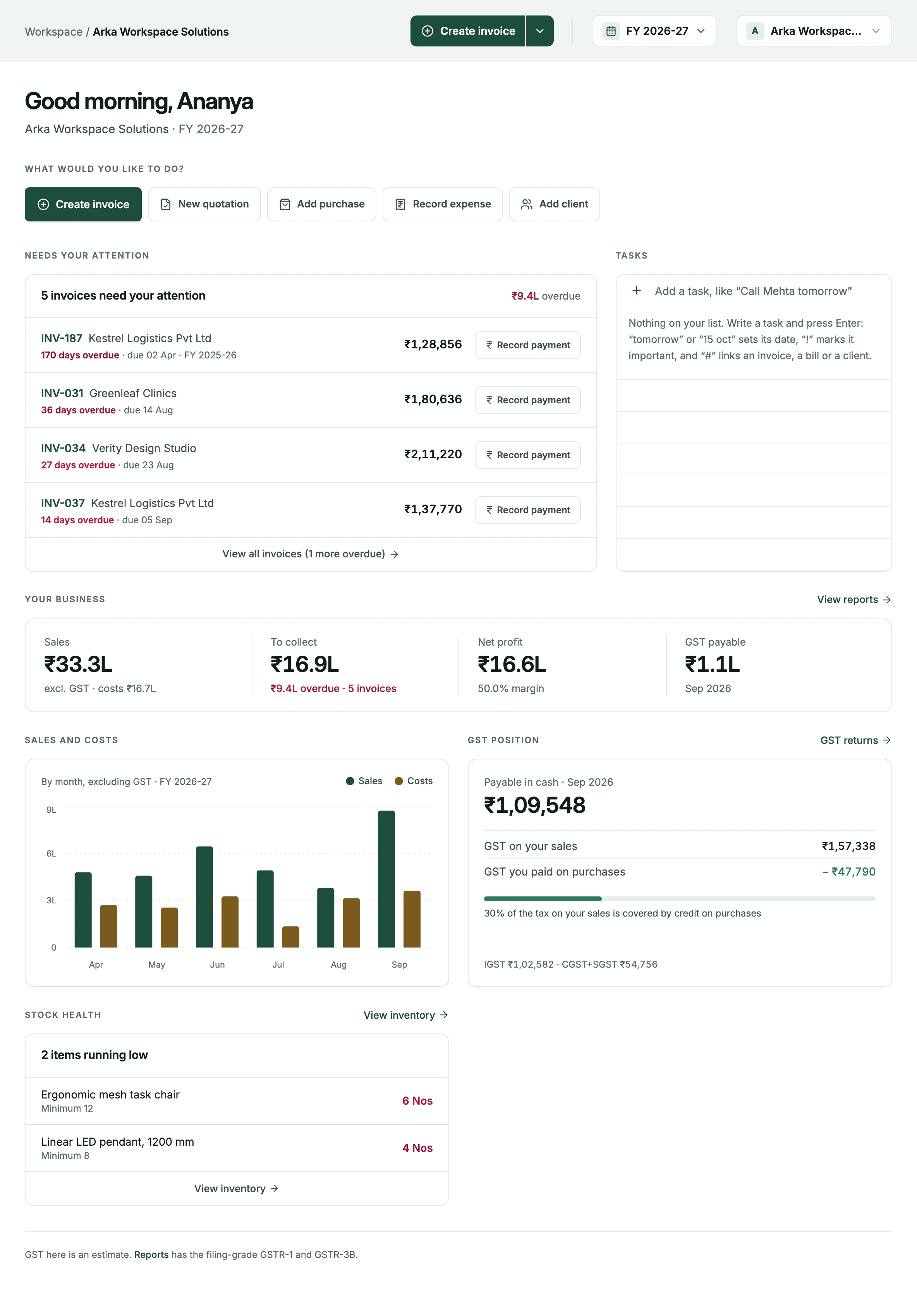
More than the two returns.
The same page carries the working papers a CA usually asks for next.
- Registers
- Sales and purchase registers for the period, with the tax split on every row.
- Ageing and outstanding
- Receivables and payables by how late they are, and the balance for each client and vendor.
- GSTR-2B reconciliation
- Upload the portal’s 2B statement to compare it with the purchases you recorded.
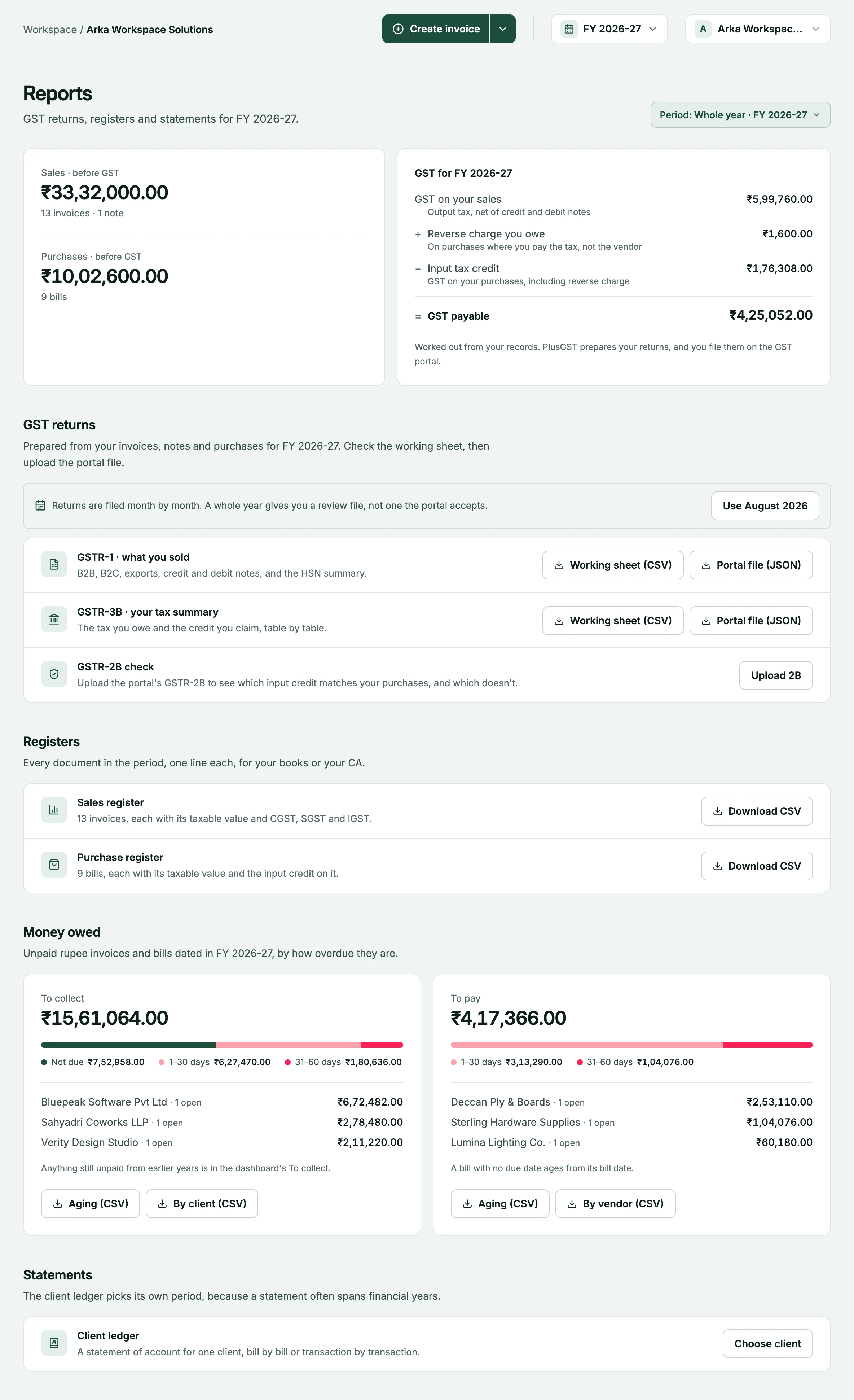
A return is only as good as its entries.
These are the two places the figures come from. New to the returns themselves? Start with the guide.
- Sales sideInvoicingEvery invoice and note you issue feeds GSTR-1 and the output tax in GSTR-3B.Explore invoicing
- Purchase sidePurchasesSupplier bills carry the input tax and the reverse-charge entries.Explore purchases
- BackgroundGST reports guideWhat GSTR-1 and GSTR-3B are, and what each export file contains.Read the guide
Questions, answered plainly.
More on the FAQ page.
Does PlusGST file my GST returns?
No. PlusGST prepares the GSTR-1 and GSTR-3B export files from your entries. You or your CA upload them to the GST portal. PlusGST does not sign in to the portal.
What is the difference between the CSV and the JSON?
The CSV is a working sheet to read and reconcile, usually with your CA. The JSON is the format the GST offline tool imports. Both come from the same calculation, so they agree.
Which period do the exports cover?
The period you pick on the reports page. Returns are filed by month, so choose a single month to get a file for that return period.
Are credit and debit notes included?
Yes. A credit or debit note adjusts the month it was raised in, and registered and unregistered recipients are reported separately in GSTR-1.
Is reverse charge handled?
A purchase marked as reverse charge is carried into GSTR-3B on both sides: as tax you owe, and as input credit.
Should I check the files before uploading?
Yes. The files are built from what you entered, so review them, ideally with your CA, before they go to the portal.
Make this month’s return the easy part.
Start with the Free plan. GST reports are included on every plan.