Built around the work a GST business already does.
You raise invoices, chase payments, keep supplier bills and, every month, report GST. PlusGST treats those as one job: what you enter once is used everywhere it is needed.
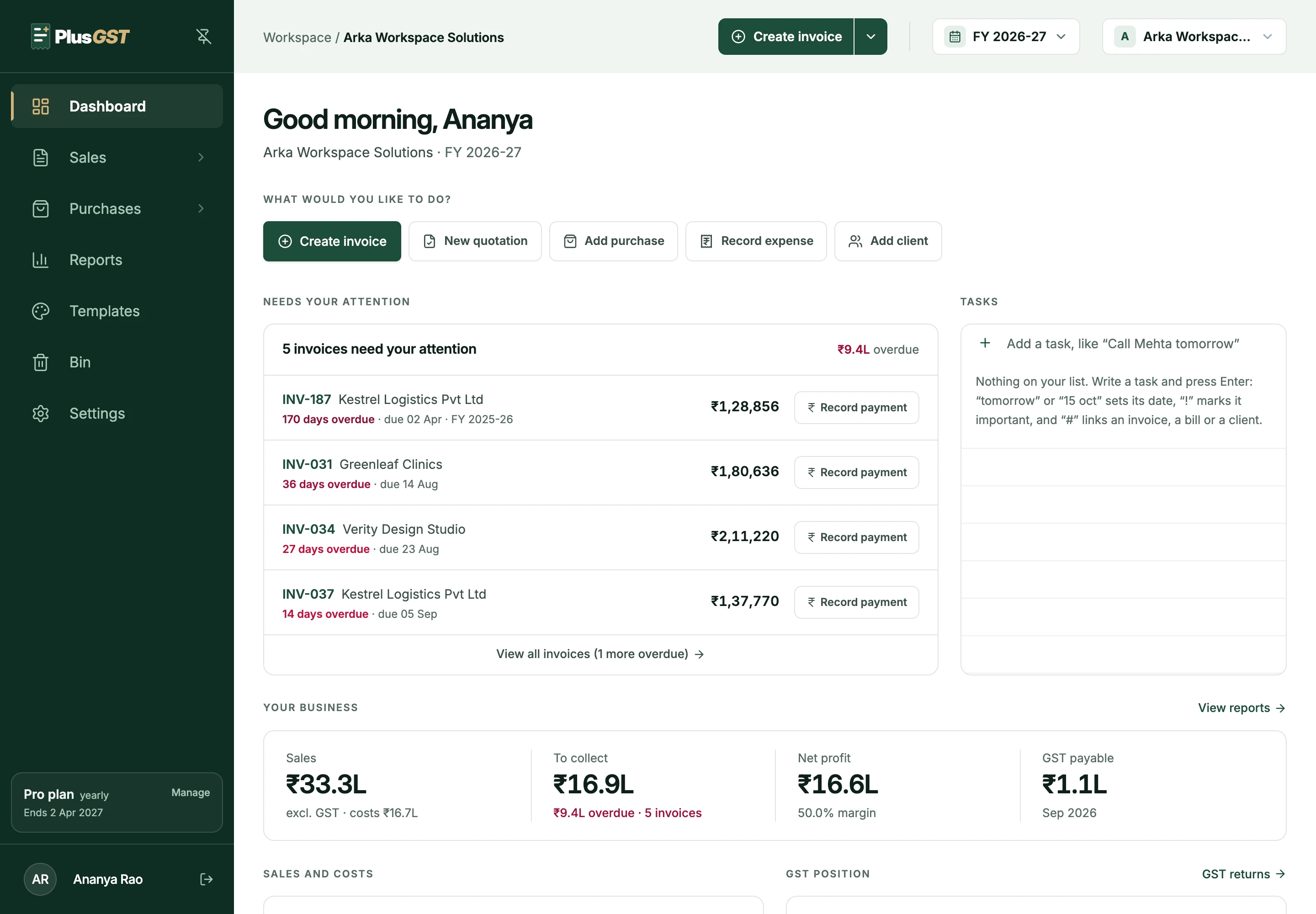
Four parts, one set of entries.
Most small businesses keep these in four places. In PlusGST each one feeds the next, so nothing is typed twice and the figures agree.
- 1
Invoices
Tax invoices, quotations and credit notes, with the GST worked out from the two state codes.
See invoices - 2
Payments
What each client has paid, what is overdue, and a ledger for any of them.
See payments - 3
Purchases
Supplier bills with their tax split, reverse charge and what you still owe.
See purchases - 4
GST reports
GSTR-1 and GSTR-3B export files, built from the three above.
See gst reports
What we hold the product to.
- A number means what its label says
- Sales exclude GST. A figure that could not be loaded is left blank, never shown as ₹0.
- One calculation per figure
- The dashboard, the reports and the return files read the same code, so they cannot disagree with each other.
- You are not an accountant
- Plain words first. A GST term is explained where it appears, and the app says what to do next, not only what is wrong.
- What has been issued is never changed
- Not by an edit elsewhere, not by a change of template, and not by a plan limit.
- Pricing you can read
- A Free plan and two paid plans, with every price and limit published.
What PlusGST is not.
It prepares your GST return files; it does not file them. It records the payments you receive; it does not collect them. It does not issue e-invoices or e-way bills today. We would rather you knew now.
How your data is protected is set out on the security page, and the plans on the pricing page. To reach us, use the contact page.
Ready to make your next invoice?
Start with the Free plan and see how PlusGST fits into your day.