Everything PlusGST does, from quote to GST return.
Quotations, invoices, payments and purchase bills go in once, and the GST files, registers and Tally vouchers come out of the same entries.
Sell
Quote, invoice, and print it the way you want it to look.
- InvoicingCreate GST invoices
- CGST and SGST, or IGST, decided from the state codes
- HSN and SAC codes, discounts, shipping and round-off
- Export invoices in foreign currency, and recurring invoices
- QuotationsQuote first, invoice later
- A validity date, and Expired once it passes
- Draft, Sent, Accepted or Declined, in one list
- Turned into an invoice without typing it again
- TemplatesThree ways to present your invoice
- Modern, Professional and Premium
- Your logo, signature and bank details
- One design for invoices, quotations and notes
Money in and out
What clients owe you, and what you owe your suppliers.
- PaymentsKnow what you’re owed
- Part payments and TDS
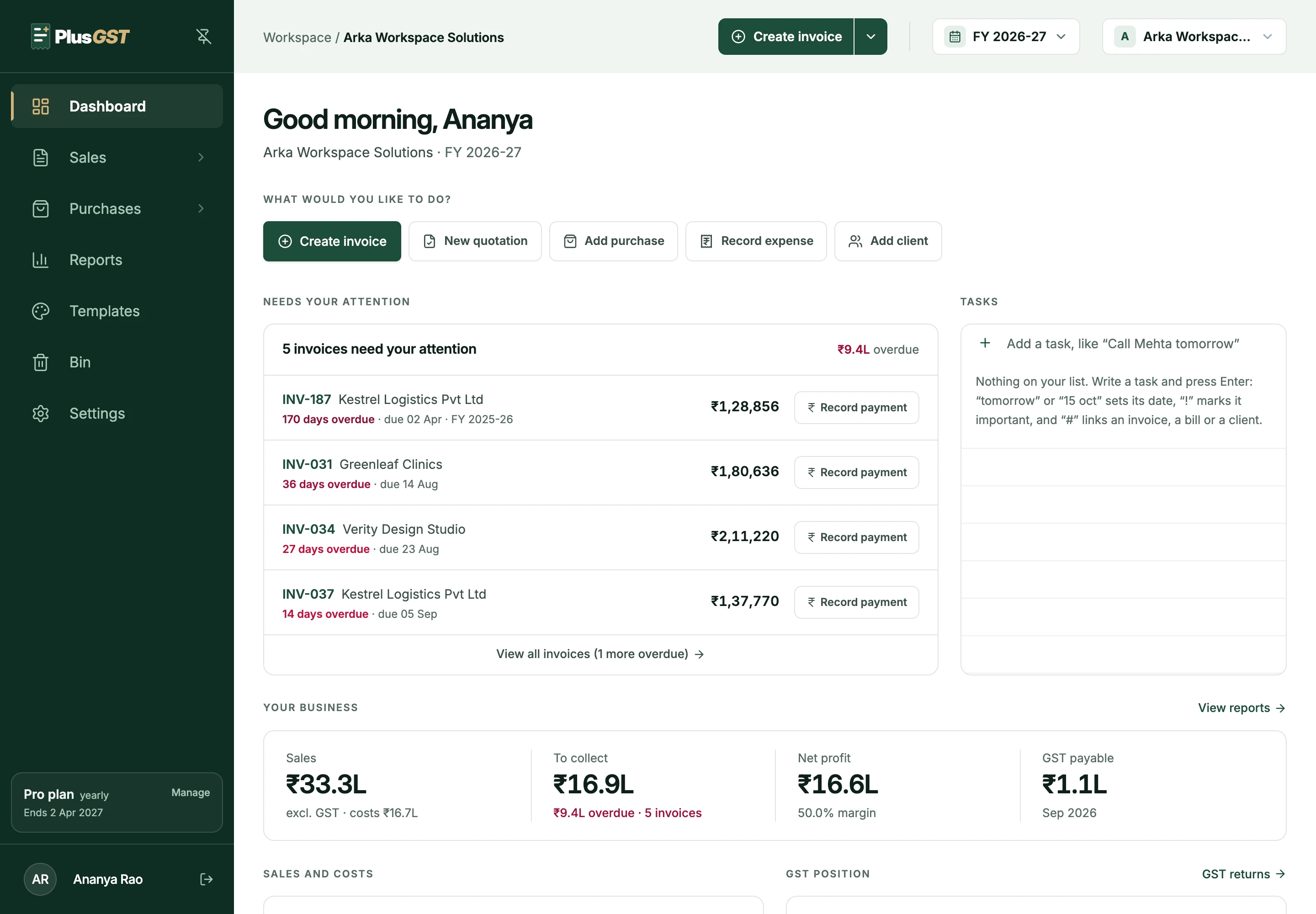
- Overdue invoices and receivables ageing
- A ledger and statement for each client
- PurchasesKeep purchase bills organised
- The supplier's GSTIN and the tax split
- Reverse charge, payments and payables ageing
- Bills read from a PDF or photo on Pro and Business
Report
The files your returns and your books are made from.
Also in PlusGST.
Smaller parts of the same books, on the plans shown.
Credit and debit notes
Raised against an invoice, printed in your template and reported in GSTR-1.
Read the guideInventory
The items you sell, ready to pick on an invoice, with stock that invoices take from.
Expenses
Rent, salaries and other costs without GST, once or on a repeating schedule.
Several businesses
More than one business under one account, each with its own books and numbering, on Pro and Business.
Your team
Invite colleagues or your CA with a role, or choose their sections yourself, on Business.
A 30-day Bin
What you delete waits 30 days before it is gone, and can be restored, on Pro and Business.
Where to go next.
What it costs, who it is for, and help with GST itself.
- PlansPricingA Free plan with limits, and two paid plans billed monthly or yearly.See pricing
- For your CAAccountantsWhat a CA gets from a client who keeps their books in PlusGST.PlusGST for accountants
- ResourcesGuides and toolsThe GST calculator, guides to invoices, notes, reverse charge and returns, and the FAQs.All resources
Ready to make your next invoice?
Start with the Free plan and see how PlusGST fits into your day.